Classic junk drawer
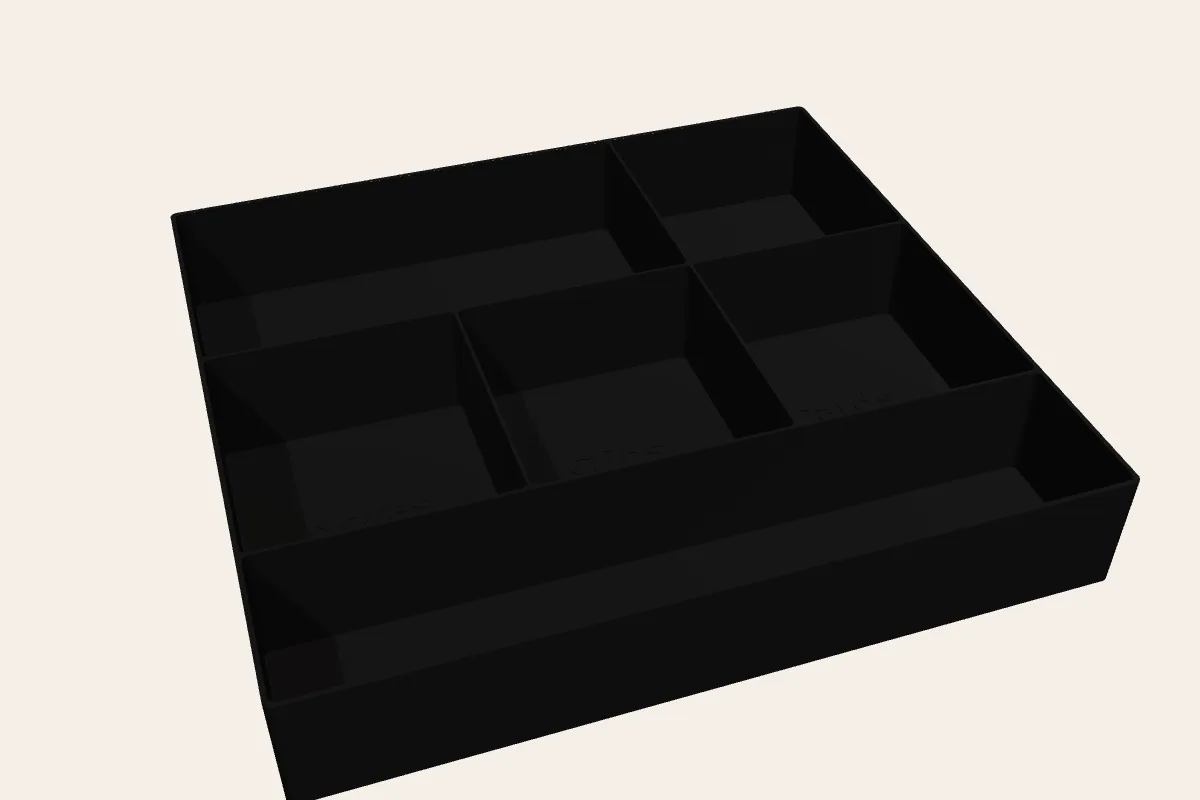
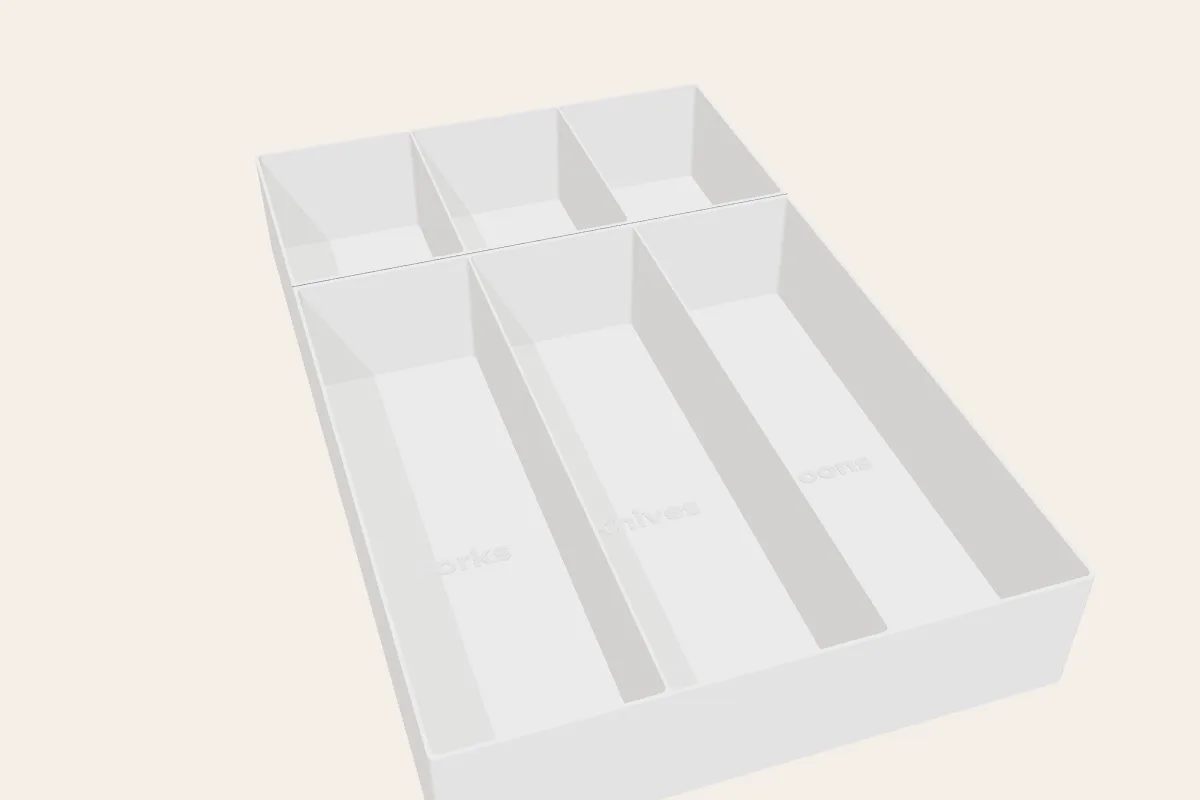
Small bays up front for batteries, tape and keys; bigger ones behind for cables and chargers.
Open this layout in the designer →Batteries, tape, rubber bands, keys, chargers. Give each its own bay, sized for it, in an insert that fills the drawer so nothing migrates.
Example layouts
Small bays up front for batteries, tape and keys; bigger ones behind for cables and chargers.
Open this layout in the designer →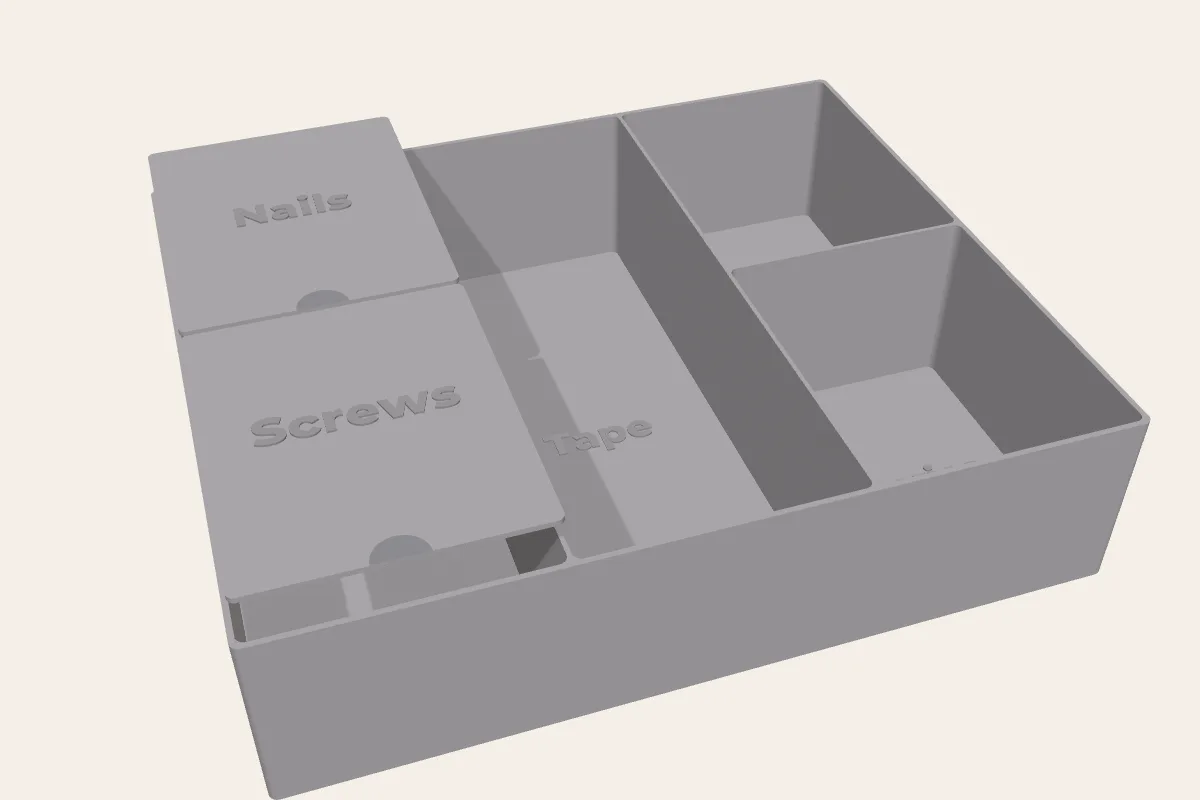
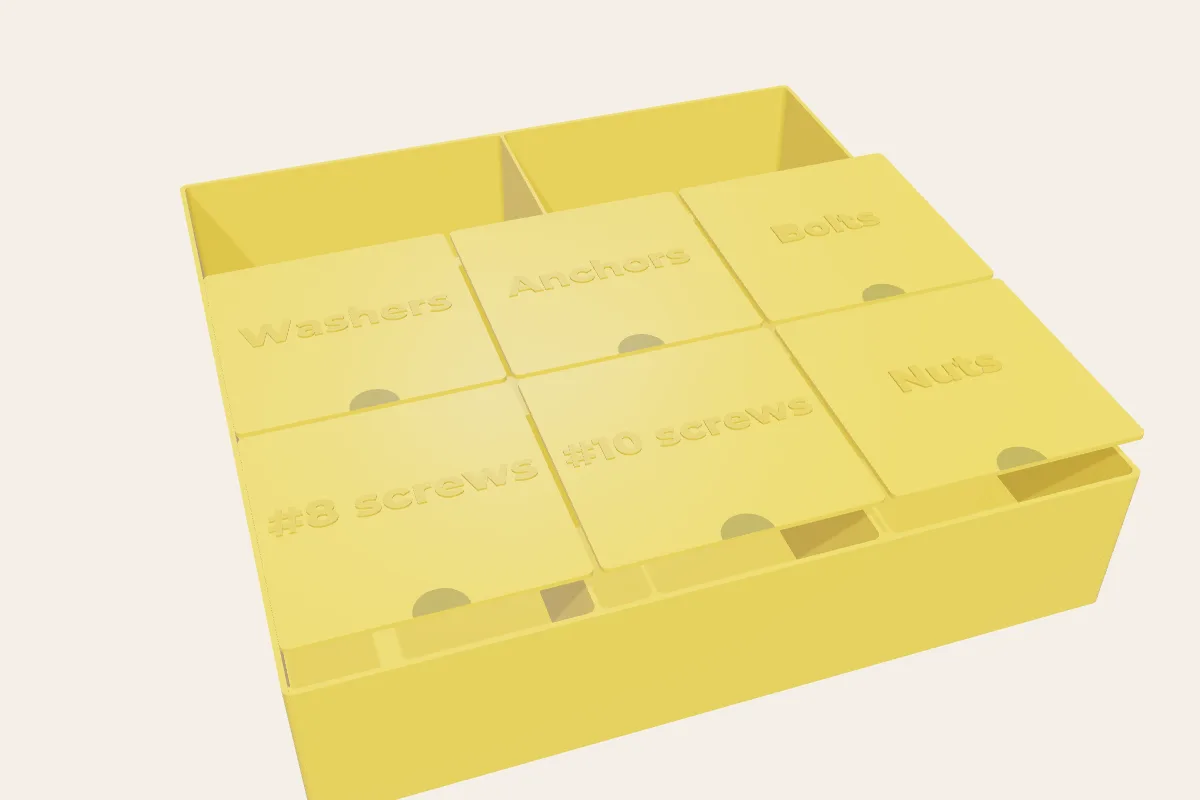
Lidded bays for screws and nails so small parts stay put.
Open this layout in the designer →Empty the drawer, sort it into piles, and count. Each pile becomes a compartment. Size bays for the biggest thing in each pile. The designer shows the inside size of every bay as you drag the dividers.
Yes. Tick "Add a drop-in lid" for any compartment at least ¾″ across. The lid sits flush with the dividers and has a finger notch.
Your design is saved in its link. Change it and reorder any time.
See your insert in 3D and get an exact price in a few minutes.